
Uckfield pilot
How to photograph your venue’s access
A phone and a few minutes are enough. Follow the route a visitor would take and show what they’ll find along the way.
These Unsplash photos are examples from different places. Take the same kinds of shots at your own venue, with any steps, tight spaces or other features in view.
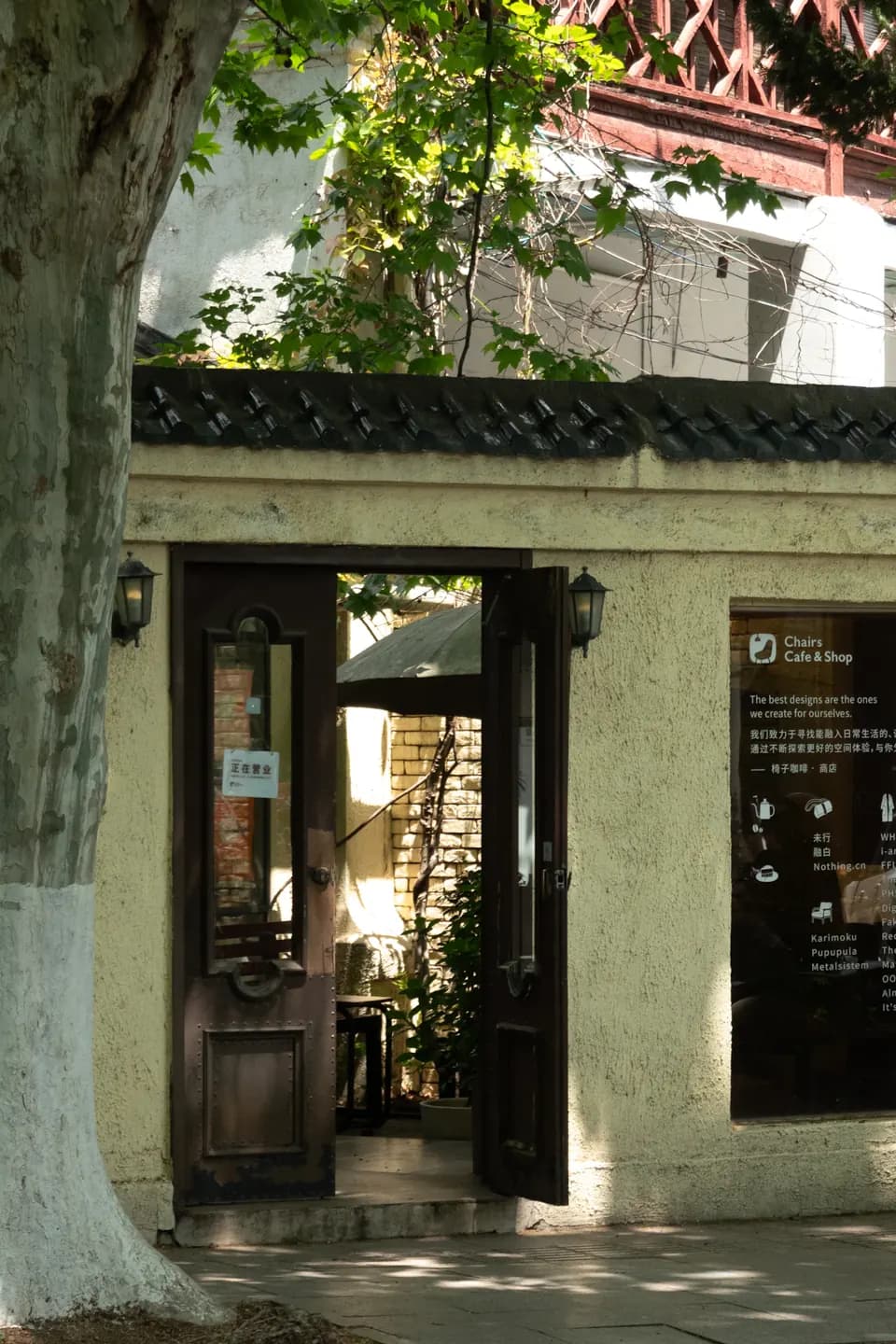
Example photo by Ting Chen on Unsplash 1. Show where visitors arrive
Stand back from the entrance. Include the frontage and the route a visitor would take from the pavement or drop-off. Keep kerbs, slopes and changes in surface in the frame.
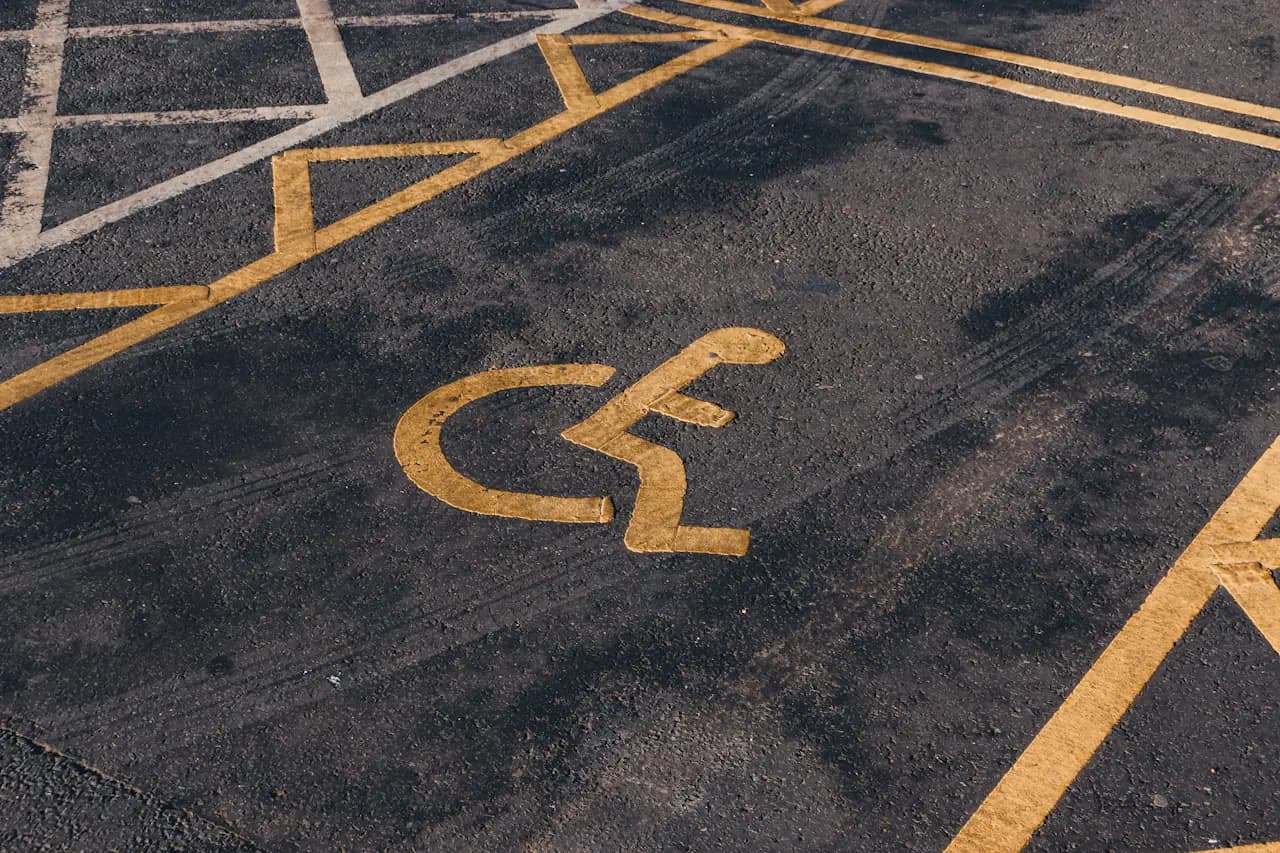
Example photo by Jakub Pabis on Unsplash 2. Show parking and the route from it
If there is a Blue Badge bay or drop-off, photograph the whole space and any signs. Add a second shot from there towards the entrance so visitors can see the surface and any kerbs.
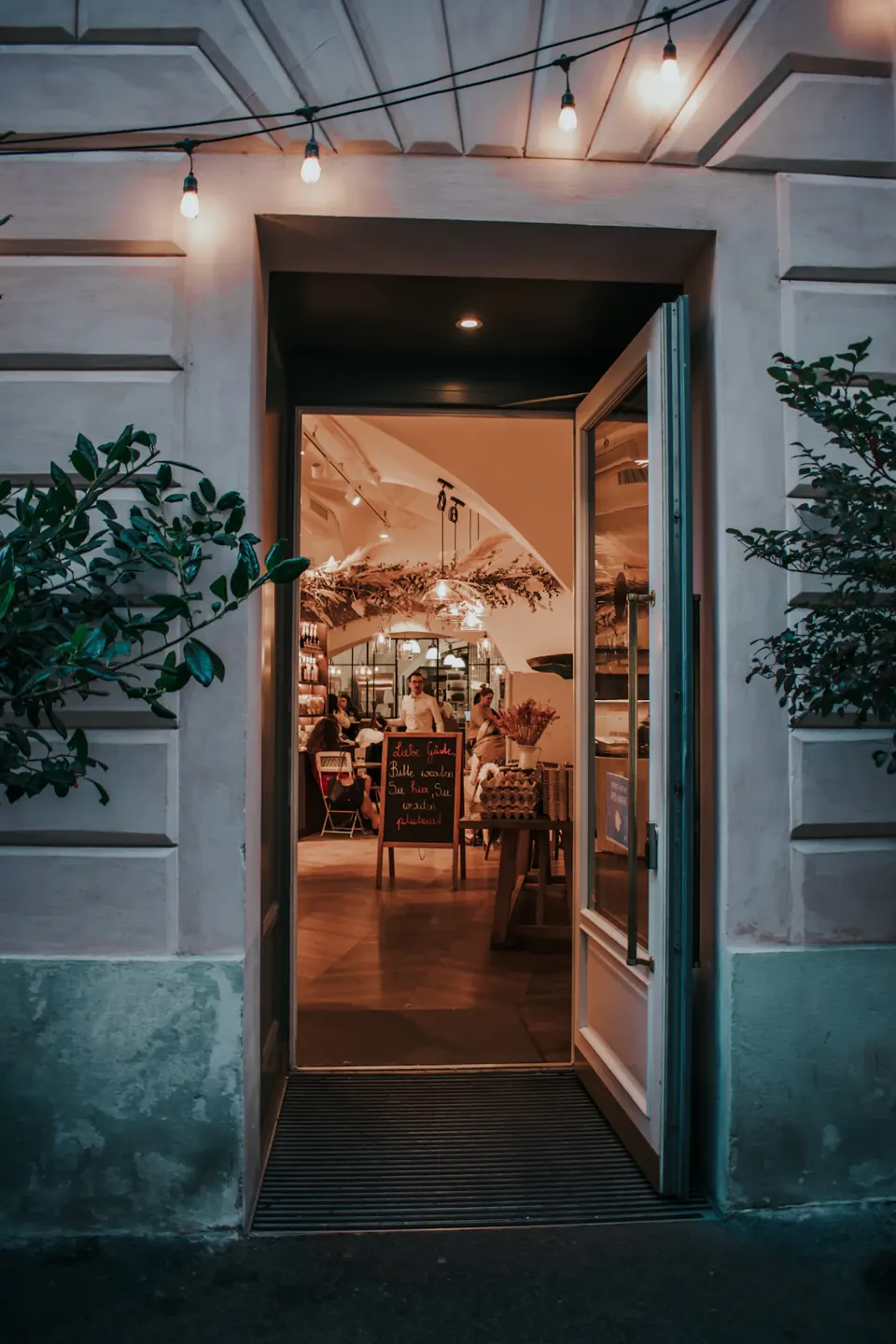
Example photo by Ceyda Çiftci on Unsplash 3. Show the open door and threshold
Photograph the door open from outside with the whole opening and the ground on both sides in view. Take a closer side-on shot of any step, lip or ramp.
If you can, measure the clear opening at its narrowest point and the height of any step or lip. Send the measurements in centimetres.
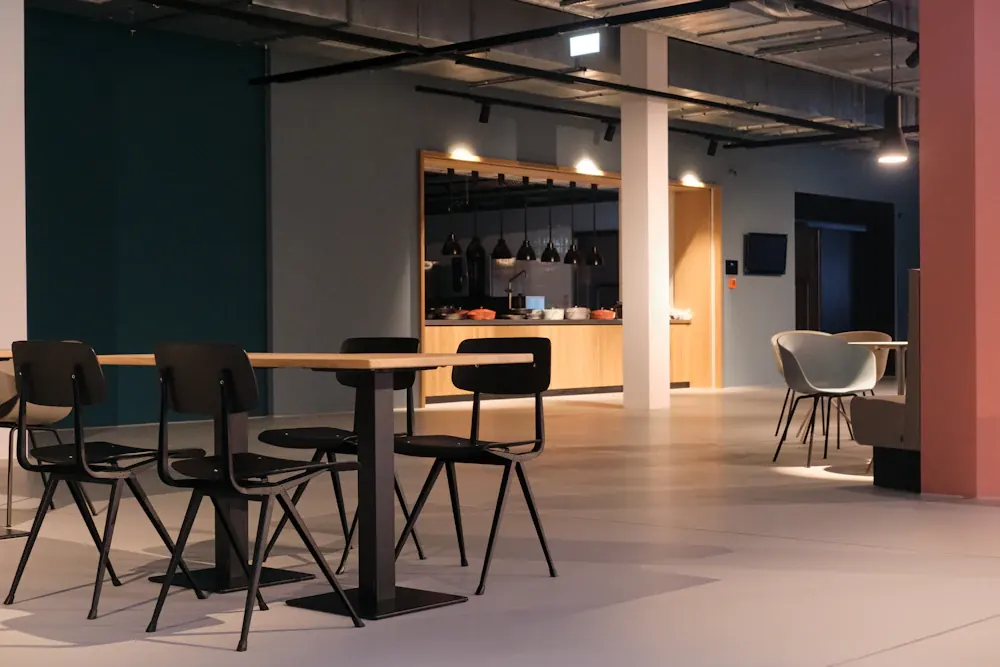
Example photo by Tim Schmidbauer on Unsplash 4. Show the route and seating inside
Take a wide shot from just inside the entrance and another from the seating area. Keep the usual furniture layout, narrow gaps, turns and any changes in level visible.
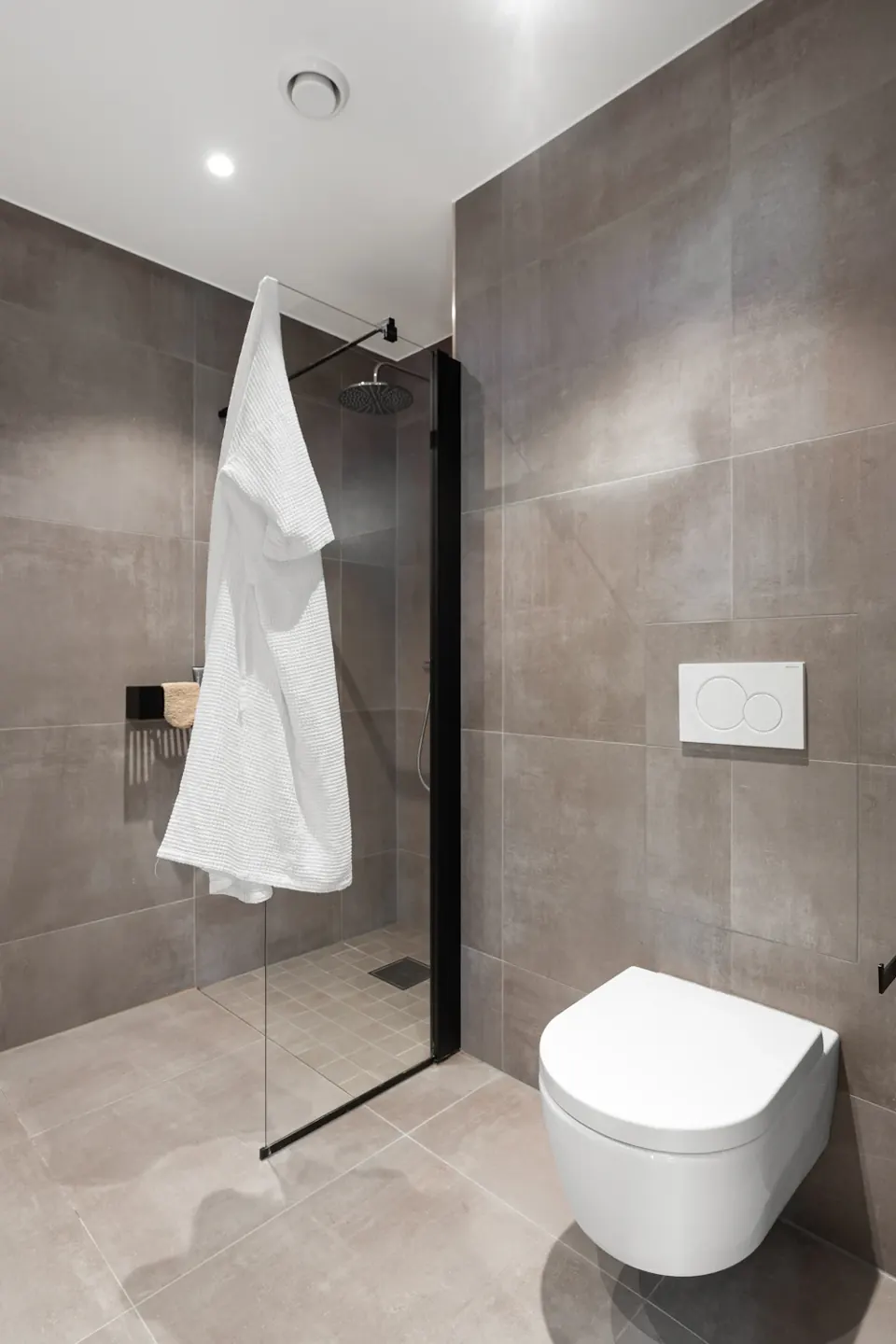
Example photo by Alex Tyson on Unsplash 5. Show the toilet layout
From the doorway, photograph the empty room. Include the toilet, the floor space beside it, the sink and any rails or alarm cord. Take a second shot if they don’t fit in one frame.
This stock photo illustrates the angle only. Show the layout and fittings your visitors will actually find.
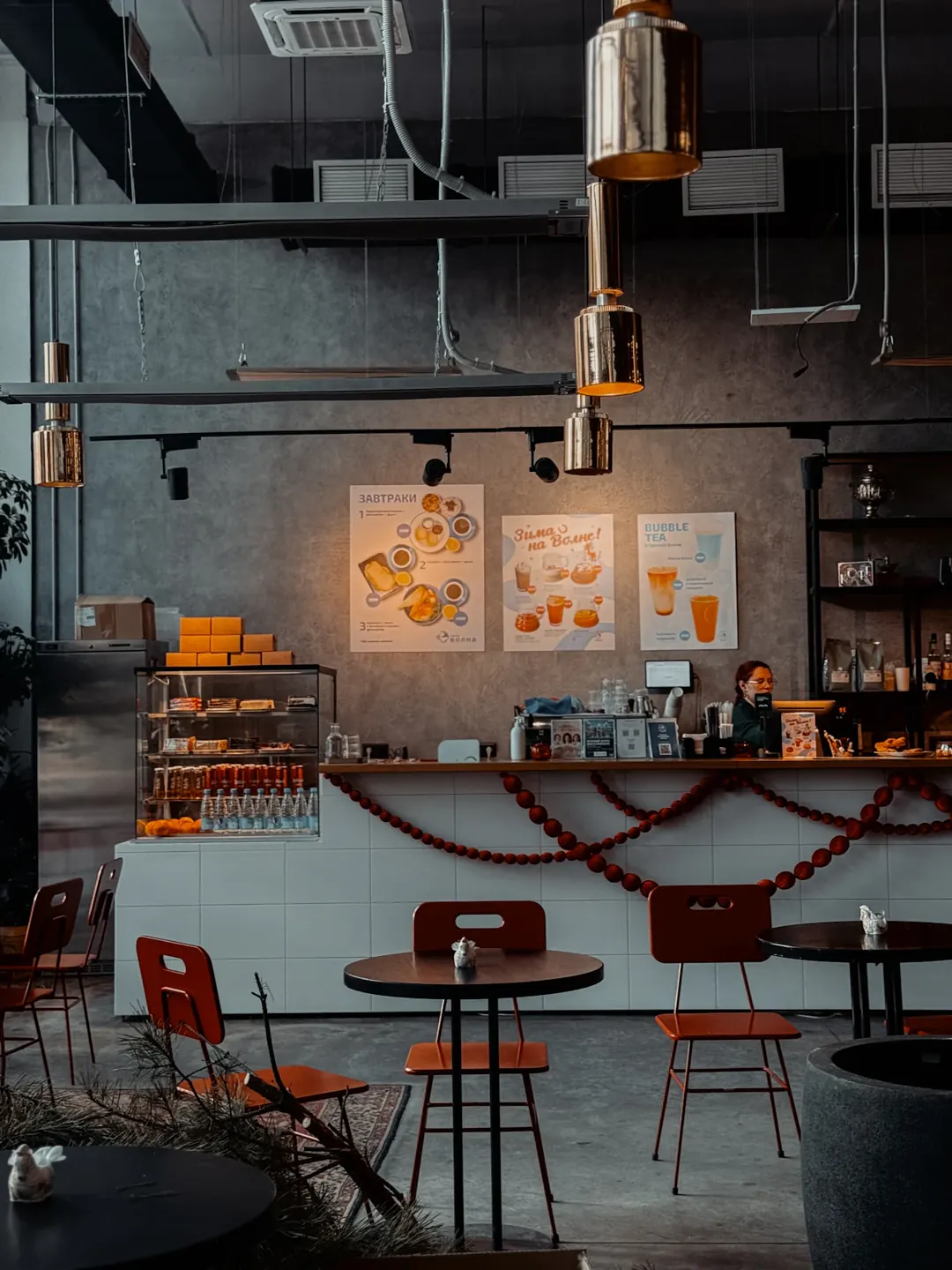
Example photo by Julee Juu on Unsplash 6. Show any other useful features
Photograph a counter, lift, hearing loop sign or quieter seating area if you have one. Include the approach and anything a visitor needs to find or use it.
Send us your photos
- Use good light and the phone’s normal camera. Take the photos when the space is empty and keep faces, number plates and private details out of frame.
- Send the original files with the venue name, date taken and a short note about what each photo shows.
- Confirm you have permission from the rights holder and that Access Stamp can publish the photos on your listing.
We’ll draft your free listing and send it to you to check. If you’d prefer us to take the photos, ask about a local visit around Uckfield. We’ll agree the small fee with you before booking.